

Key takeaways
- iPaaS Definition: Cloud-native integration software with visual workflow builders, 300–700+ pre-built connectors, and automatic scaling—no on-premise infrastructure, no DevOps team required.
- How iPaaS Differs from ESB: ESBs run on-premise and require team maintenance; iPaaS is cloud-managed, auto-scaled, and includes SLAs. ESBs suit 100+ integrations; iPaaS ideal for 5–50 integrations.
- iPaaS Categories:
- Low-Code Platforms: Workato, Zapier, Jitterbit; visual builders, fast setup.
- Enterprise iPaaS: MuleSoft, Boomi, Informatica; API-first, advanced transformation.
- Managed iPaaS: ONEiO; all planning/deployment/monitoring handled by vendor.
- Adoption Timeline: Low-code iPaaS deployments: 4–12 weeks; enterprise iPaaS: 12–24 weeks; managed iPaaS (ONEiO): 2–4 weeks from contract to live.
- Cost Consideration: Self-service iPaaS adds $1K–$2K/month in internal labor (1 FTE); managed iPaaS (ONEiO) includes labor in fixed subscription.
What is iPaaS?
iPaaS (Integration Platform as a Service) is a cloud solution that links apps, data, and services across different systems. It helps firms run workflows on their own. Teams can join software solutions and control data flow. They don't need to build their integration without complex coding.
Why is an iPaaS important?
Traditionally, IT teams or system integrators built direct, point-to-point integrations between enterprise systems, such as connecting an ERP with a CRM. However, these integrations require continuous maintenance, troubleshooting, and monitoring. As a result, IT teams spend 68% of their time simply "keeping the lights on."
More apps = more integrations
The need for integrations has grown exponentially. According to Okta, enterprises with over 2,000 employees use an average of 175 different software applications, and this number is increasing every year. Maintaining these integrations efficiently has become a challenge, leading to the rise of iPaaS solutions.
iPaaS came about to solve these issues. It's a cloud solution that integrates different tech with ease. Teams need fewer skills and less time to join their systems.
How does iPaaS work?
iPaaS solutions standardize, simplify and streamline how data flows within a business and with their service partners. Typically this happens through APIs or low-code system integrations where a direct connection is formed between different end-points and the integration platform.
With an integration in place, enterprise leaders can control how data flows between different enterprise IT systems or apps either in real-time, in batches or through automated synchronizations.
Typical benefits of iPaaS:
- Automates data flow in real-time, in batches, or through scheduled synchronizations.
- Reduces dependency on coding skills, allowing IT leaders and even non-technical users (citizen developers) to manage integrations.
- Enhances operational efficiency by minimizing the time spent on troubleshooting and maintenance.
The typical enterprise client doesn’t need to worry about the exact data integration method. The point of an iPaaS is to give a platform where IT leaders (and to some extent citizen developers) can visualize and manage integrations without the need for coding skills or resources.
Examples of business challenges solved by iPaaS solutions
There are many different types of integration needs in business - and there will also be major differences in the integration needs of small businesses vs. enterprise organizations.
Some of the most common integration use-cases in business include:
- Application integrations
connecting two or more applications to seamlessly run processes and keep data between the applications.
- Data integrations
organizing your different data streams for the applications and processes of your company.
- Service integrations
connecting interdependent services from various internal and external IT roles, tools and providers.
- System integrations
connecting different IT systems or tools into a single, extensive system that functions as one.
- Vendor integrations
combining and synchronizing products, services, systems, or software from external suppliers.
Key components of iPaaS solutions
With over 120 different solution providers in the market, there is no blueprint to what makes an iPaaS solution. Some solutions are limited to a configurable self-service platform, while others like ONEiO provide an automated turnkey solution.
An iPaaS typically includes some or all of these components:
- Connectors:
These are pre-built integrations that connect different applications and services — think Salesforce, ServiceNow, ZenDesk, and Slack.
- Visual integration flows:
A visual user interface that allows you to build and manage integration workflows and processes across different applications and services.
- Data mapping:
A feature that maps data between different applications and services, ensuring that data is transformed and properly formatted for use in each system.
- Workflow automation:
The ability to automate workflows and processes, such as triggering a workflow when a new lead is created in Salesforce or when a new file is uploaded to Google Drive.
- Monitoring and management:
A dashboard that provides visibility into the health and status of integrations and workflows, as well as the ability to manage and troubleshoot any issues that may arise.
iPaaS vs PaaS
Occasionally iPaaS solutions get confused with Platform as a Service (or PaaS.) PaaS provides a platform for developers to build, test, and deploy applications, offering tools like operating systems, databases, and middleware. In contrast, iPaaS focuses specifically on connecting different applications and automating data flows between them. Think of PaaS as a foundation for building software, while iPaaS acts as the glue that connects existing software applications together.
iPaaS vs Embedded iPaaS
Another point of confusion is from a new sub-category of solutions focused around embedded integrations. Traditional iPaaS solutions are standalone platforms that connect various applications and data sources across an entire organization. In contrast, embedded iPaaS is integrated directly into another software application, providing integration capabilities as a built-in feature. Essentially, embedded iPaaS takes the core functionality of an iPaaS platform and makes it available within a specific software product or suite, streamlining integration for users of that particular application.
Enterprise iPaaS Software Providers
Today iPaaS is one of the largest and fastest growing categories of enterprise software. According to ONEiO's State of Integration Solutions report there are over 270 iPaaS solution providers in a market that exceeded $9billion in revenue in 2024 and expected to grow to $17Billion by 2028.
Here are some notable enterprise integration software providers.
ONEiO
ONEiO is a managed iPaaS: a Managed Integration Service that delivers the outcomes of an iPaaS, connected systems, monitored flows and SLA-backed uptime, without the customer operating the platform. ONEiO designs, runs, monitors and maintains the integrations end to end. Self-service iPaaS is a platform you buy and operate. Managed iPaaS delivers the same integration outcomes, with the provider operating them. The capability is the same. The difference is who operates it.
HQ:
Helsinki, Finland
ONEiO connects each system once to a shared integration layer instead of building point-to-point connections, so tools can be replaced and ecosystems can grow without integrations breaking. Delivery is standardised and priced as a subscription, either volume-based or fixed per integration, which keeps cost predictable. ONEiO has deep domain expertise in ITSM, managed service provider and B2B eBonding scenarios, where the same incident, request or change record has to stay consistent across organisations that do not share a service desk. Most integration vendors build it and hand it back. ONEiO takes operational ownership permanently, and customers decide how much control they keep. Choose ONEiO when you want integration outcomes without staffing an integration team. Choose a self-service iPaaS when you have mature in-house integration engineering and want maximum platform control. ONEiO designs, runs and maintains the integrations, 24/7 under SLA.
Overall rating



Customer support rating
Pros:
- Fully managed and SLA-backed. ONEiO runs the complete integration lifecycle, from design and deployment through 24/7 monitoring and maintenance, so reliable integrations do not require an in-house integration team.
- Built for complex, changing environments. Each system connects once to ONEiO instead of point-to-point builds, with deep domain expertise in ITSM, MSP and B2B eBonding scenarios.
- Predictable cost and fast delivery. Fixed subscription pricing, volume-based or per integration, with standardised delivery in weeks rather than months.
Cons:
- Not a self-service platform. If you have a mature integration team and want hands-on platform control, a self-service iPaaS gives you more of it.
- No full API management suite. ONEiO is not designed for API productisation such as gateways, developer portals or API monetisation.
- Cloud-only. On-premise systems can be integrated, but ONEiO itself cannot be deployed on-premise, which is a constraint for air-gapped or strict data-residency environments.
Mulesoft
MuleSoft Anypoint Platform is a self-service enterprise iPaaS built around an API-first approach to integration. MuleSoft is a Salesforce company, and the platform appeals to large IT organisations and system integrators, especially those already in the Salesforce ecosystem.
HQ:
San Francisco, California
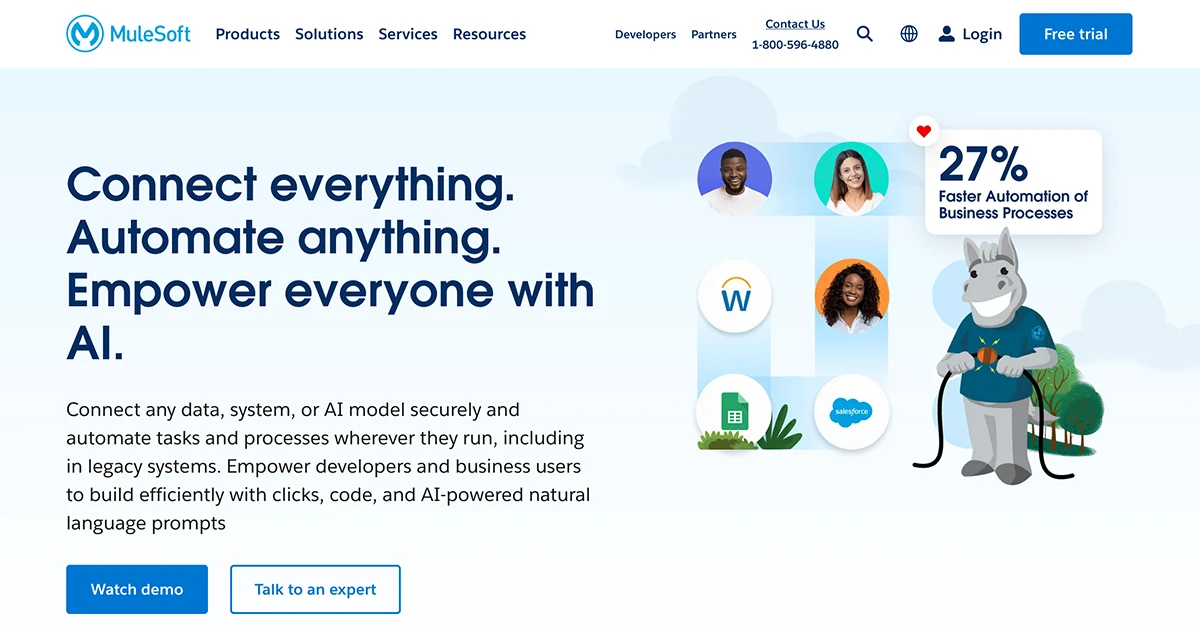
Anypoint Platform combines API design, API management and integration in one self-service platform, with API-led connectivity as its organising principle. Salesforce has extended it into agentic AI through MuleSoft Agent Fabric, which registers, orchestrates and governs AI agents from any vendor, and has since added automated agent discovery and a control plane for multi-agent governance. MuleSoft suits organisations with in-house integration engineering that want an API-led strategy and are prepared to staff the platform. Your team designs, runs and maintains the integrations.
Overall rating
Customer support rating
Pros:
- API design, management and lifecycle governance in a single platform.
- Large template and connector library, with automation and RPA tooling.
- Agent Fabric adds a registry, observability and policy control for multi-vendor AI agents.
Cons:
- One of the highest costs of entry in the iPaaS market, with complex pricing.
- Strongest fit inside the Salesforce ecosystem.
- Users report steep learning curve, and dedicated MuleSoft skills are needed to run it.
Informatica
Informatica Intelligent Cloud Services is a data-management-centric iPaaS from a company that pioneered on-premise data infrastructure. Salesforce completed its acquisition of Informatica in November 2025.
HQ:
Redwood City, California
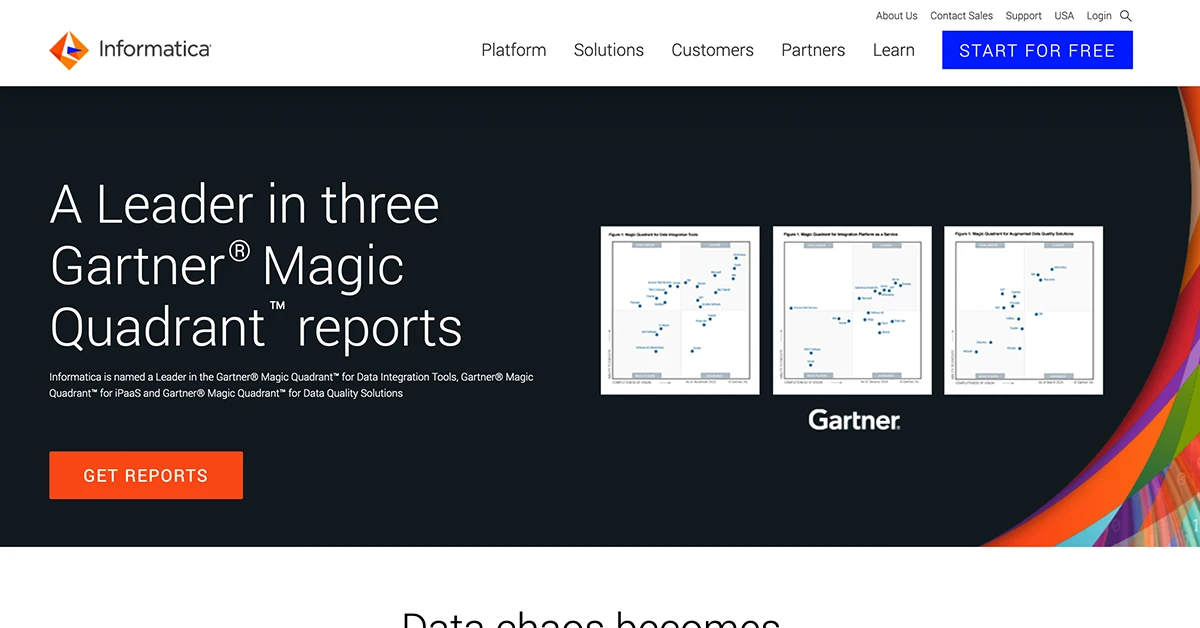
Informatica IDMC prioritises data-centric integration, with depth in governance, data quality, master data management and transformation. Salesforce completed an $8 billion acquisition of Informatica on 18 November 2025 and is positioning the platform as the data foundation of its agentic AI stack, where it now sits in the same portfolio as MuleSoft. Buyers should expect roadmap and packaging changes as the two are brought together. Informatica suits organisations that lead with a unified data management approach rather than application integration. Your team designs, runs and maintains the integrations.
Overall rating
Customer support rating
Pros:
- Depth in data governance, data quality and master data management.
- Broad industry coverage and a strong on-premise data integration heritage.
- Now backed by Salesforce, with a defined role in its agentic AI data strategy.
Cons:
- Consumption pricing based on compute is hard to forecast.
- The experience centres on data engineering rather than guided application integration.
- Roadmap uncertainty while the Salesforce and MuleSoft portfolios converge.
Celigo
Celigo is a self-service iPaaS focused on SaaS integration and back-office process automation, aimed mainly at mid-market and upper-midmarket companies.
HQ:
Redwood City, California
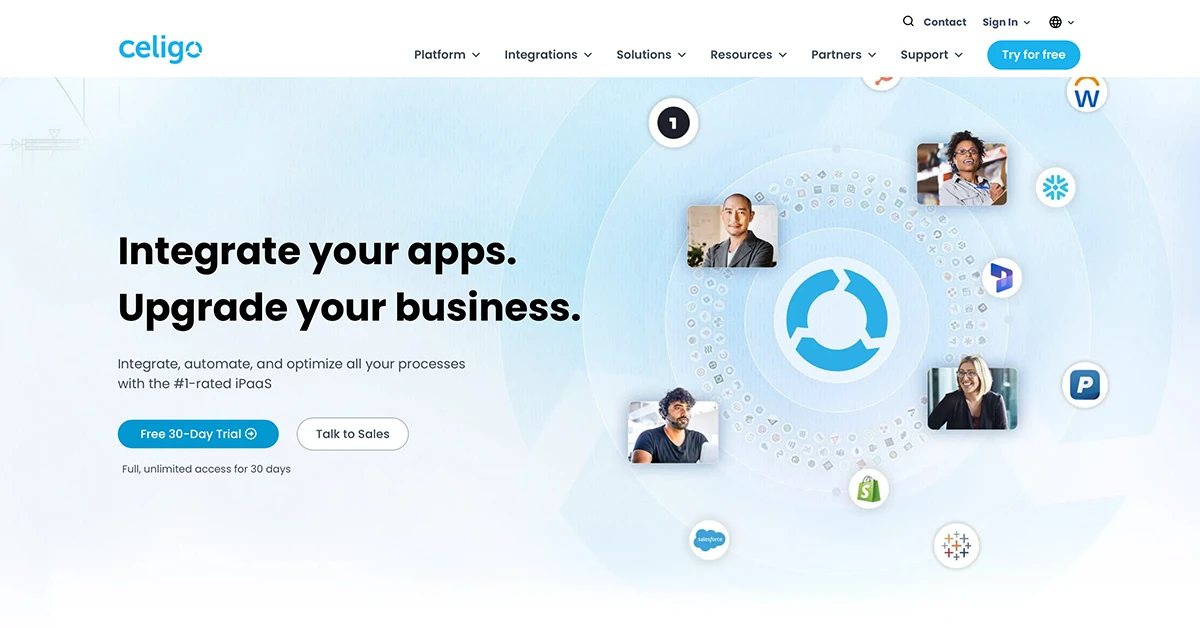
The Celigo integrator.io platform combines a large library of business-process templates with automated error handling, and is strongest in finance, e-commerce and NetSuite-centred back-office work. In March 2026 Celigo launched Ora, a natural-language copilot, together with Agent Builder, which lets business teams build and govern AI agents on top of existing integrations. B2B integration and developer experience are the stated roadmap priorities. Celigo suits teams that want business users building automations with IT oversight. Your team designs, runs and maintains the integrations.
Overall rating
Customer support rating
Pros:
- AI-assisted categorisation and resolution of runtime errors.
- Large library of business-process templates, strongest in NetSuite and e-commerce.
- Ora and Agent Builder let non-developers build governed AI agents.
Cons:
- Fewer enterprise controls at large scale.
- Operational data is difficult to export to external monitoring tools.
- Interface complexity grows quickly beyond template-based use.
SnapLogic
SnapLogic is a self-service low-code integration platform for building data and application pipelines through a visual interface. Since 2026 it positions itself as an agentic integration company.
HQ:
San Mateo, California
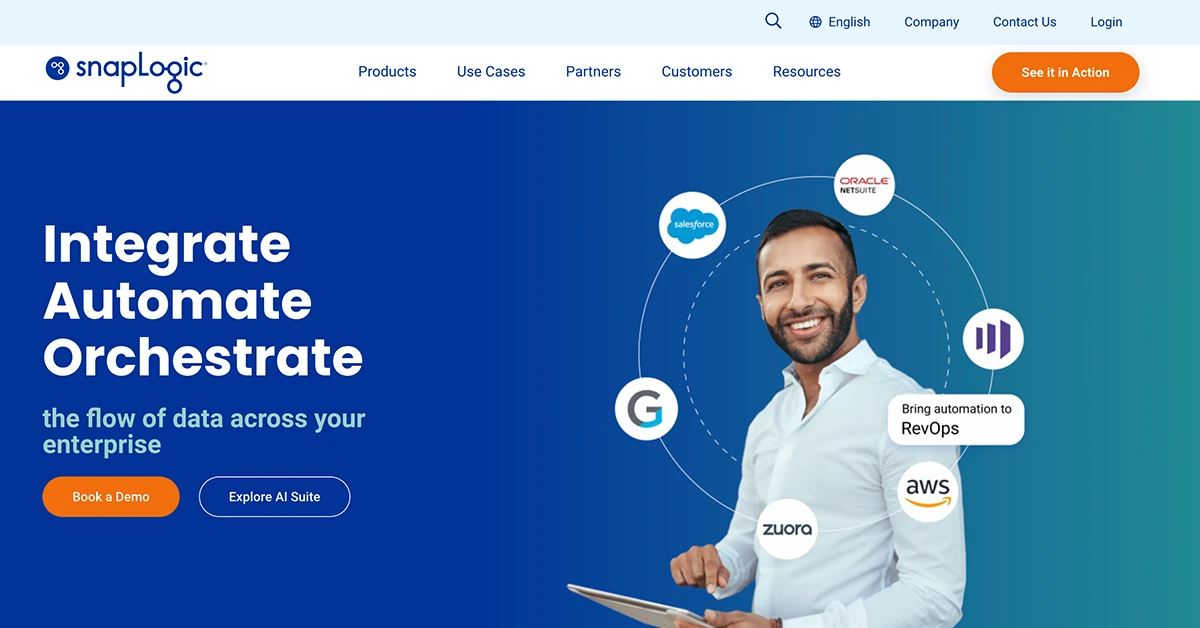
The SnapLogic Intelligent Integration Platform uses a drag-and-drop pipeline builder with a large library of pre-built connectors called Snaps, covering ETL-style data integration, real-time application integration and API creation with minimal coding. In July 2026 SnapLogic relaunched SnapGPT as an agentic assistant covering the whole integration lifecycle, from building and testing pipelines to documenting and troubleshooting them, alongside an AI Gateway and Trusted Agent Identity for governing what agents are allowed to reach. B2B and EDI capability remains modest. Your team designs, runs and maintains the pipelines.
Overall rating
Customer support rating
Pros:
- Visual pipeline builder that is quick to learn for common patterns.
- Transparent pricing and presence on the major cloud marketplaces.
- SnapGPT now spans the full integration lifecycle rather than pipeline generation alone.
Cons:
- Limited B2B and EDI capability.
- Coarse access permissions for larger teams.
- Debugging and advanced use carry a real learning curve.
Jitterbit
Jitterbit Harmony is a self-service iPaaS that started with small and midsize businesses and has moved upmarket, competing on flexibility and price.
HQ:
Alameda, California
Jitterbit Harmony covers application integration, API management and EDI in one platform, with a predictive pricing model and a focus on making integration accessible to non-specialist developers. The company has been building out AI assistants and an agent marketplace, and appointed Mark Logan as President and Chief Executive Officer in August 2026, with former chief executive Bill Conner moving to the board. Its systems integrator ecosystem is smaller than those of the larger platform vendors. Jitterbit suits general iPaaS needs and EDI modernisation. Your team designs, runs and maintains the integrations.
Overall rating
Customer support rating
Pros:
- Strong EDI capability with a substantial template set.
- Straightforward interface that is quick to get started with.
- Customisable template marketplace, useful for OEM and partner delivery.
Cons:
- Smaller prebuilt connector and template library than the market leaders.
- Endpoint-based pricing is hard to model.
- Smaller partner and systems integrator ecosystem.
TIBCO
TIBCO has a long legacy in enterprise integration and messaging, and is known for powering mission-critical, high-throughput systems. It has been part of Cloud Software Group since 2022.
HQ:
Santa Clara, California
The TIBCO Platform brings integration, messaging, API management and data products together for organisations running high-volume, latency-sensitive workloads, often in financial services, telecoms and logistics. TIBCO has been part of Cloud Software Group since the 2022 combination with Citrix. Its 2026 AI work centres on adding model and agent capability into existing BusinessWorks flows rather than launching a separate agent platform, which suits customers protecting a large installed estate. TIBCO fits data-centric integration strategies in enterprises that already run TIBCO. Your team designs, runs and maintains the integrations.
Overall rating
Customer support rating
Pros:
- Proven at very high message volumes and low latency.
- Wide range of integration styles within one portfolio.
- Volume-based pricing that flexes with usage.
Cons:
- Inconsistent experience across a portfolio assembled over many years.
- Some capability is available only self-hosted.
- Slower release cadence than the cloud-native vendors.
Workato
Workato is a self-service iPaaS focused on process automation and on collaboration between IT and business teams through an AI-assisted interface.
HQ:
Mountain View, California
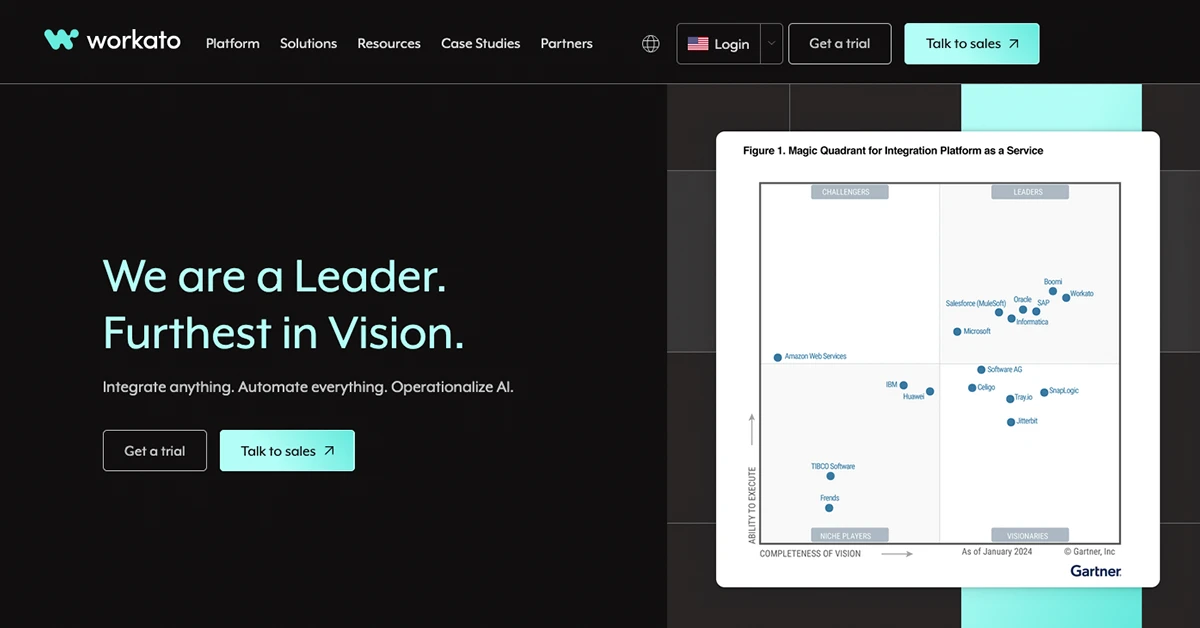
Workato runs a serverless integration platform with a large connector library and an emphasis on letting business teams build their own automations under IT governance. Its 2026 direction is agentic: Agent Studio lets teams build AI agents on top of existing recipes, and the July 2026 release added a Headless API for embedding those agents into any business application, plus Agent Guardrails for policy control over what the agents are permitted to do. Workato suits cloud-based business process automation where IT and business teams build together. Your team designs, runs and maintains the automations.
Overall rating
Customer support rating
Pros:
- Approachable interface with AI-assisted recipe building.
- Very large connector and template library.
- Agent Studio, Headless API and Agent Guardrails bring governed AI agents into business applications.
Cons:
- Task-based pricing escalates as more processes are added.
- No out-of-the-box EDI or B2B capability.
- Cloud-only, with no on-premise deployment option.
Challenges of iPaaS
While iPaaS provides significant benefits, businesses may face challenges when implementing these solutions:
1. Data security concerns
As integrations connect multiple applications and data sources, ensuring robust data governance and compliance with security standards is crucial to prevent breaches.
2. Integration complexity
Managing multiple APIs and custom development efforts can become overwhelming without a centralized view of integrations.
3. High learning curve
Each iPaaS solution can take time and resources to master. If you plan to manage your iPaaS platform yourself it may require a significant amount of time and resources to learn.
4. Data syncing and silos
While iPaaS aims to eliminate data silos, improper implementation may still lead to fragmented data and inconsistencies across systems. You need to be prepared to maintain your data syncronization if you plan to manage your integrations yourself.
5. Error handling & monitoring
Ensuring real-time error handling, effective monitoring, and analytics is essential for maintaining operational stability. You need to be ready to deal with surprises and make adjustments when necessary.
How ONEiO addresses these challenges
ONEiO goes beyond traditional iPaaS by offering a Managed Integration Service, providing an end-to-end solution for IT service management. ONEiO's approach to managed integration services is also referred to as Managed iPaaS. With automated integrations, proactive error handling, and full visibility into integrations, ONEiO ensures businesses overcome common iPaaS challenges while maintaining security, scalability, and flexibility.
Bottom line on iPaaS
As the integration needs of businesses are rapidly changing and becoming more complex, different iPaaS solutions have emerged to fulfill the needs of enterprise businesses.
You can’t only evaluate integration solutions on a feature function level. With over 120 iPaaS vendors to choose from, you need to explore different options and find a solution that fits your unique needs.
Run integrations like an operation. Not a project. The Integration Ops book explains the lifecycle model for operating integrations at scale. Download the book →