


Integration Ops is a free ServiceNow app from ONEiO for managing ServiceNow integrations. It gives ServiceNow admins and architects one place to see every integration in their instance, who owns it, how healthy it is and how compliant it is, without leaving ServiceNow. It is now available on the ServiceNow Store.
We built it for the admins who run ServiceNow at the centre of a crowded estate. Integrations arrive from every direction over the years, and a simple question rarely has a quick answer: how many integrations do we have, and who owns each one? You get the answer inside the familiar ServiceNow platform you already work in.
Why managing ServiceNow integrations gets harder every year
ServiceNow sits at the centre of IT service delivery, so everything connects to it, and each connection is built its own way. Some come from IntegrationHub spokes and Flow Designer. Others are custom REST or SOAP API integrations, or run through a MID Server to reach systems behind the firewall. More arrive through iPaaS platforms and partner eBonding links. Then there are the projects a systems integrator delivered and handed over.
Each was built by a different team, at a different time, for a different reason. Nobody keeps the complete list. When a systems integrator hands a project over, visibility into what it built usually leaves with it, and so does any view of its compliance posture.
The work of keeping all of it running crowds out everything else. In ONEiO’s research, 30% of organisations were too busy managing and repairing existing integrations to focus on new integration initiatives. The Integration Ops book describes where that load comes from, with logic tied to specific people and shadow integrations growing outside central governance. “When those people moved on, so did the understanding of how things worked.”
Your integration landscape is bigger than your integration diagram, and the gap is where the failures live. When one of those unlisted integrations breaks, the incident lands on the ServiceNow team, even if nobody there knew it existed.
What the Integration Ops app shows you
Installed in your instance, Integration Ops gives ServiceNow users visibility and control over their integrations without leaving ServiceNow. Four things become clear.
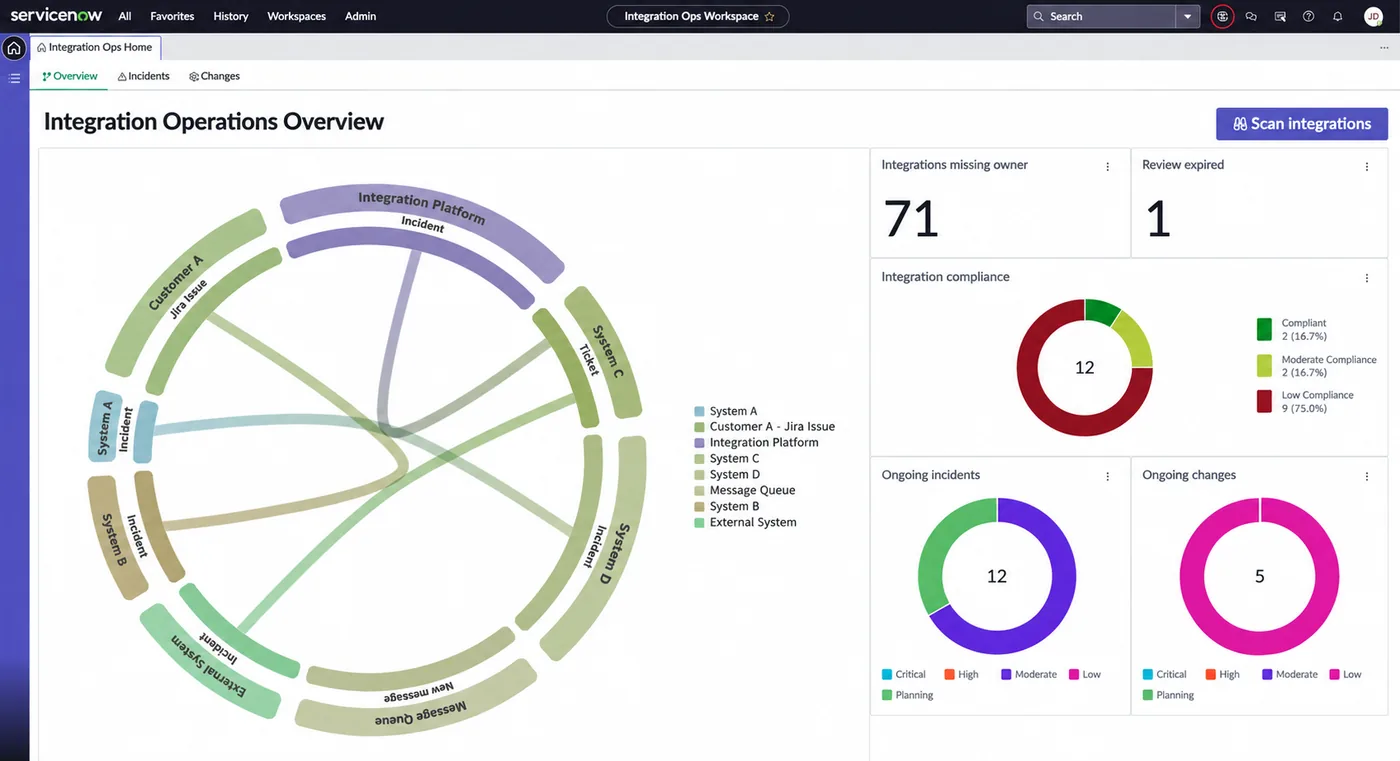
Every ServiceNow integration in one place
Integrations appear in one view, whatever built them. IntegrationHub connections sit next to custom API integrations and iPaaS flows. Work a systems integrator delivered shows up there too. For an admin who could not say how many integrations the instance runs, this is the answer.
Clear ownership for your integration estate
Each integration is shown with its owner. The ones with an ambiguous owner, or none at all, surface in the same list, which is where accountability gaps stop being a suspicion and become a named item.
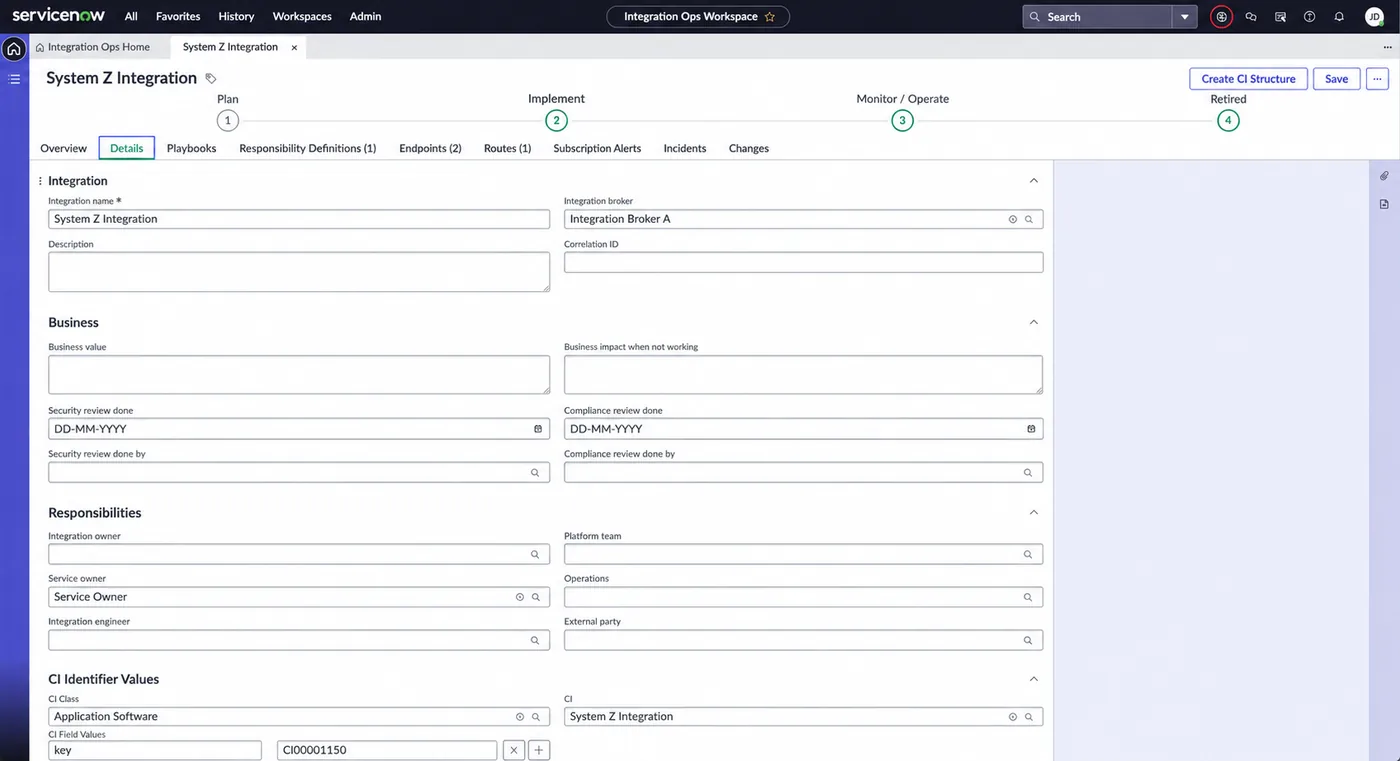
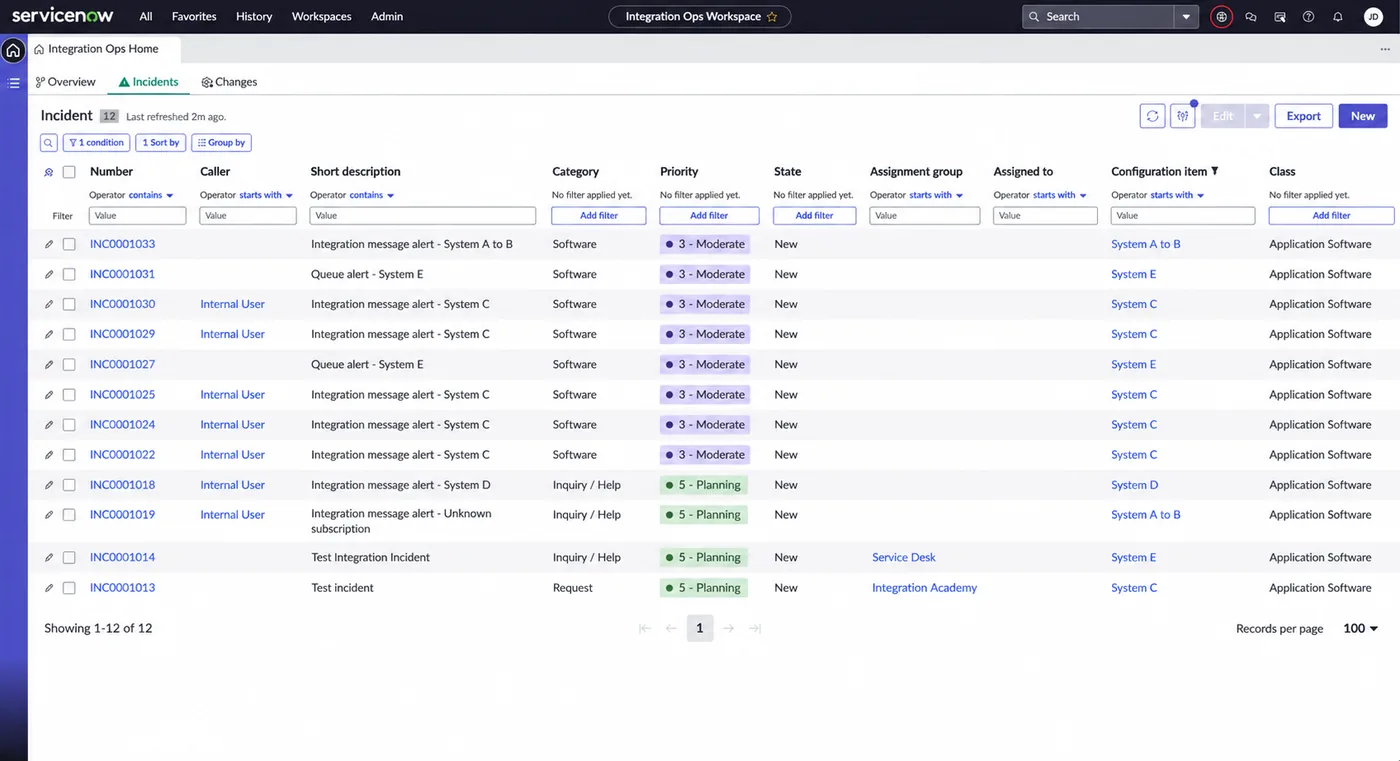
Health status of each of your integrations
Health sits next to ownership, so the person accountable for an integration can see how it is doing without opening another console.
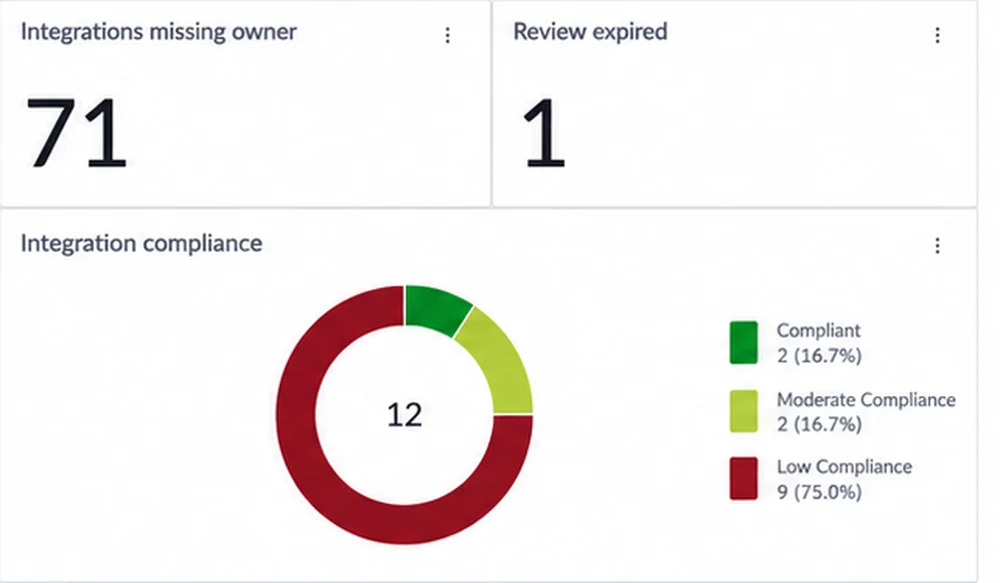
A compliance score for every integration
Each integration gets a compliance score, calculated automatically by the app. Gaps are quantified as well as visible, and a number against each integration gives the team an order in which to work.
Why ONEiO built Integration Ops
We believe complete integration visibility is a prerequisite for running an enterprise reliably. It matters more every year as enterprises put AI agents to work, because those agents depend on integrations someone monitors and owns. That makes the app a small, concrete proof of that belief, free for any ServiceNow team to use.
Its name comes from Integration Ops, the operating model for running integrations across four continuous phases (Plan, Implement, Monitor, Operate). The idea mirrors DevOps applied to integrations, and it starts with seeing what you have. Some teams run that operation in-house, and others hand it over. ONEiO provides a Managed Integration Service: we run your integrations, you deliver your services. If what Integration Ops shows you ever raises that question, it is a separate conversation, whenever you are ready. The app stays free either way.
Bottom line on managing ServiceNow integrations
Most ServiceNow instances run more integrations than anyone has written down. The ones nobody owns are the ones that surprise you, usually on the day they break.
For ServiceNow users, Integration Ops puts the full picture inside ServiceNow, with ownership, health and a compliance score for every integration. It is free on the ServiceNow Store, and it asks nothing of you in return.