

Quick answer
An enterprise integration platform is the central layer that connects an organisation's applications, data sources and services. The established platforms are MuleSoft Anypoint for API-led programmes, Boomi for hybrid and on-premises reach, Workato for business-led automation, Informatica for data-heavy integration and SnapLogic for AI-assisted pipeline building, alongside the vendor suites from SAP, Microsoft, IBM, Oracle and AWS. All of them are platforms you operate. ONEiO is the managed alternative, where the provider designs, runs and maintains every integration under an SLA. The real decision is not only which platform to license. It is whether you want to run one at all.
Key takeaways
- The category has consolidated. Salesforce owns both MuleSoft and Informatica, IBM owns webMethods, and Boomi sits with Francisco Partners and TPG. Buying a platform in 2026 means buying into an owner's roadmap.
- Gartner's 2026 Magic Quadrant for iPaaS, published 16 March 2026, named Boomi, Salesforce (MuleSoft), Workato, SAP and Microsoft as Leaders, with SnapLogic positioned as a Visionary.
- The platforms converged on features. Connectors, visual builders, API management and monitoring are table stakes. Feature comparison no longer separates them.
- Every platform on this list is software you operate. Licensing one transfers the build problem to a better toolset and leaves the run problem where it was.
- Managed iPaaS is the fifth option. ONEiO delivers the same connectivity as an operated service, with the provider accountable for the integrations working under an SLA.
What is an enterprise integration platform?
An enterprise integration platform is the layer that connects an organisation's applications, data sources and services so they can exchange data reliably at scale. Analysts write it as iPaaS, or eiPaaS when the emphasis falls on enterprise requirements like hybrid deployment, high transaction volumes and formal governance. The terms describe the same category.
A platform in this category provides five things. Pre-built connectors to common systems. Data transformation and mapping between formats. Workflow orchestration across multiple steps and systems. API management for publishing and securing interfaces. Monitoring and alerting for what runs in production.
Ten years ago those capabilities separated the vendors. They no longer do. Every serious platform ships all five, which means a feature-by-feature comparison mostly measures marketing budget. What still separates them is deployment reach, the skills each one assumes you have on staff, and the commercial model behind the licence.
The 2026 enterprise integration platform landscape
Two years of consolidation reshaped this market. Salesforce completed its acquisition of Informatica in November 2025, which put MuleSoft and Informatica under one owner. IBM completed its purchase of webMethods and StreamSets from Software AG in July 2024. Boomi has been independent of Dell since 2021, owned by Francisco Partners and TPG, and has since acquired Rivery for change-data-capture capability.
That matters commercially. When you license a platform you are buying into whichever roadmap its owner is funding, and several of these roadmaps changed hands recently.
Mulesoft
MuleSoft Anypoint Platform is a self-service enterprise iPaaS built around an API-first approach to integration. MuleSoft is a Salesforce company, and the platform appeals to large IT organisations and system integrators, especially those already in the Salesforce ecosystem.
HQ:
San Francisco, California
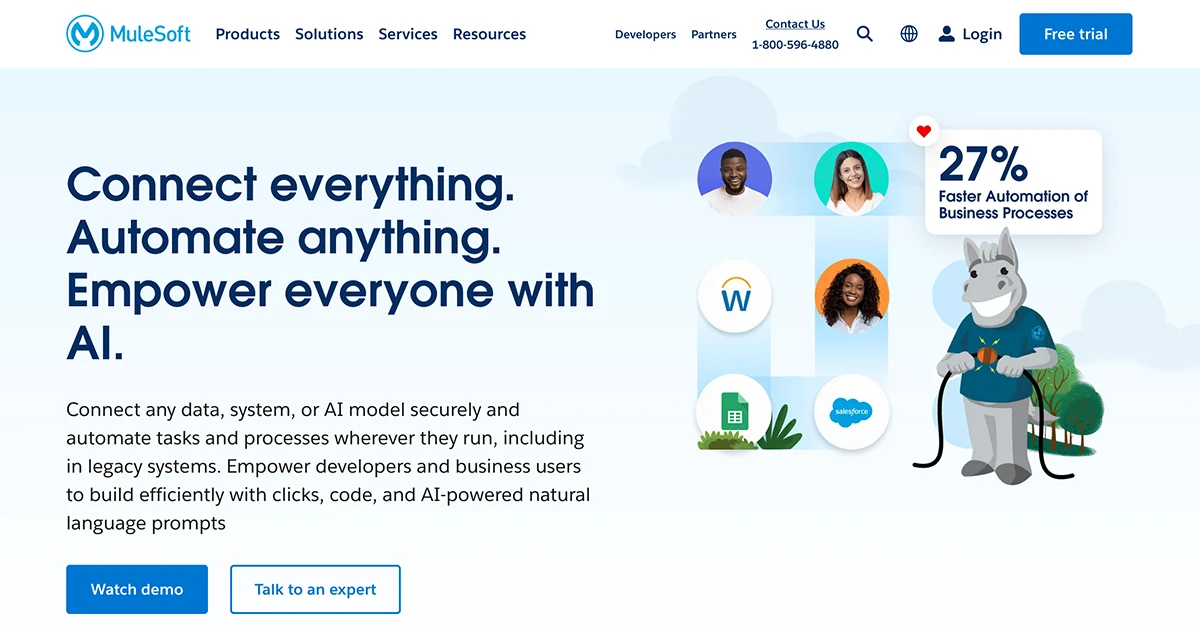
Anypoint Platform combines API design, API management and integration in one self-service platform, with API-led connectivity as its organising principle. Salesforce has extended it into agentic AI through MuleSoft Agent Fabric, which registers, orchestrates and governs AI agents from any vendor, and has since added automated agent discovery and a control plane for multi-agent governance. MuleSoft suits organisations with in-house integration engineering that want an API-led strategy and are prepared to staff the platform. Your team designs, runs and maintains the integrations.
Overall rating



Customer support rating
Pros:
- API design, management and lifecycle governance in a single platform.
- Large template and connector library, with automation and RPA tooling.
- Agent Fabric adds a registry, observability and policy control for multi-vendor AI agents.
Cons:
- One of the highest costs of entry in the iPaaS market, with complex pricing.
- Strongest fit inside the Salesforce ecosystem.
- Users report steep learning curve, and dedicated MuleSoft skills are needed to run it.
Boomi
Boomi is a long-standing iPaaS known for connecting hybrid and legacy environments. Since 2026 it markets itself as a data activation company, with integration, API management, B2B and EDI, workflow automation and master data management in one platform.
HQ:
Chesterbrook, Pennsylvania
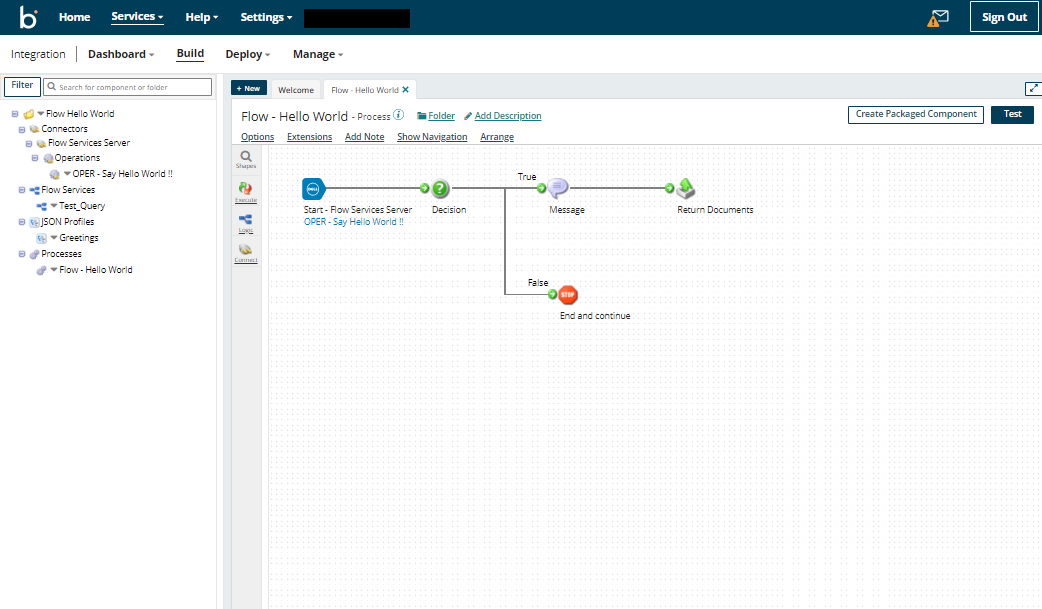
The Boomi AtomSphere platform uses low-code tooling and distributed runtimes called Atoms that run in the cloud or on-premise, which is what makes it a common choice for connecting SaaS applications to legacy systems. Its 2026 additions are Boomi Agentstudio, for designing, governing and monitoring AI agents at scale, and a managed MCP service that exposes existing integrations as tools agents can call. Boomi suits hybrid estates where the buyer has integration engineers available to run the platform. Your team designs, runs and maintains the integrations.
Overall rating
Customer support rating
Pros:
- Hybrid and on-premise runtimes, useful for ESB-style patterns.
- Quick to get started for standard connections.
- Agentstudio and a managed MCP service extend existing integrations to AI agents.
Cons:
- Connection-based pricing is complex to forecast.
- Monitoring and operational visibility need supplementing.
- Advanced configuration is widely reported as difficult.
Workato
Workato is a self-service iPaaS focused on process automation and on collaboration between IT and business teams through an AI-assisted interface.
HQ:
Mountain View, California
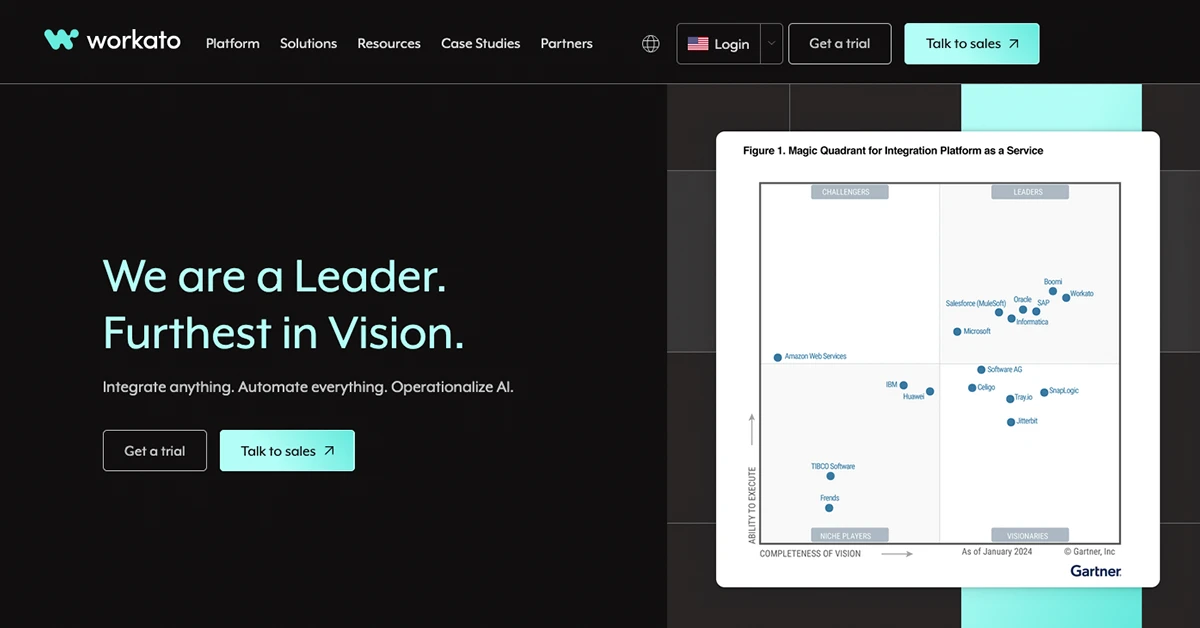
Workato runs a serverless integration platform with a large connector library and an emphasis on letting business teams build their own automations under IT governance. Its 2026 direction is agentic: Agent Studio lets teams build AI agents on top of existing recipes, and the July 2026 release added a Headless API for embedding those agents into any business application, plus Agent Guardrails for policy control over what the agents are permitted to do. Workato suits cloud-based business process automation where IT and business teams build together. Your team designs, runs and maintains the automations.
Overall rating
Customer support rating
Pros:
- Approachable interface with AI-assisted recipe building.
- Very large connector and template library.
- Agent Studio, Headless API and Agent Guardrails bring governed AI agents into business applications.
Cons:
- Task-based pricing escalates as more processes are added.
- No out-of-the-box EDI or B2B capability.
- Cloud-only, with no on-premise deployment option.
Informatica
Informatica Intelligent Cloud Services is a data-management-centric iPaaS from a company that pioneered on-premise data infrastructure. Salesforce completed its acquisition of Informatica in November 2025.
HQ:
Redwood City, California
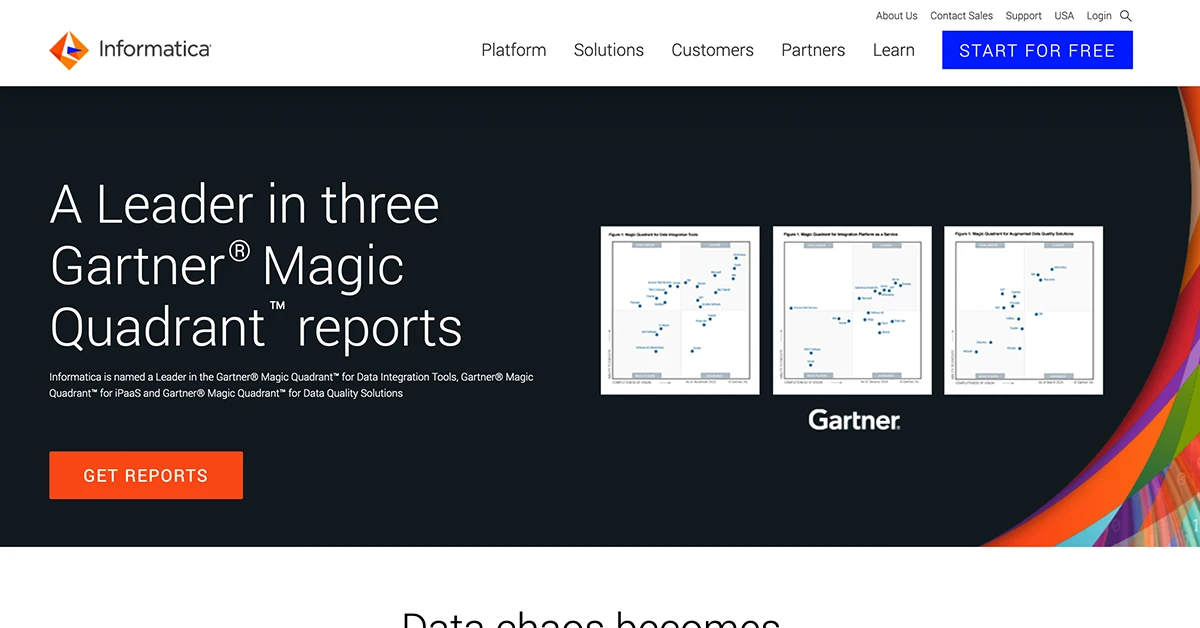
Informatica IDMC prioritises data-centric integration, with depth in governance, data quality, master data management and transformation. Salesforce completed an $8 billion acquisition of Informatica on 18 November 2025 and is positioning the platform as the data foundation of its agentic AI stack, where it now sits in the same portfolio as MuleSoft. Buyers should expect roadmap and packaging changes as the two are brought together. Informatica suits organisations that lead with a unified data management approach rather than application integration. Your team designs, runs and maintains the integrations.
Overall rating
Customer support rating
Pros:
- Depth in data governance, data quality and master data management.
- Broad industry coverage and a strong on-premise data integration heritage.
- Now backed by Salesforce, with a defined role in its agentic AI data strategy.
Cons:
- Consumption pricing based on compute is hard to forecast.
- The experience centres on data engineering rather than guided application integration.
- Roadmap uncertainty while the Salesforce and MuleSoft portfolios converge.
SnapLogic
SnapLogic is a self-service low-code integration platform for building data and application pipelines through a visual interface. Since 2026 it positions itself as an agentic integration company.
HQ:
San Mateo, California
The SnapLogic Intelligent Integration Platform uses a drag-and-drop pipeline builder with a large library of pre-built connectors called Snaps, covering ETL-style data integration, real-time application integration and API creation with minimal coding. In July 2026 SnapLogic relaunched SnapGPT as an agentic assistant covering the whole integration lifecycle, from building and testing pipelines to documenting and troubleshooting them, alongside an AI Gateway and Trusted Agent Identity for governing what agents are allowed to reach. B2B and EDI capability remains modest. Your team designs, runs and maintains the pipelines.
Overall rating
Customer support rating
Pros:
- Visual pipeline builder that is quick to learn for common patterns.
- Transparent pricing and presence on the major cloud marketplaces.
- SnapGPT now spans the full integration lifecycle rather than pipeline generation alone.
Cons:
- Limited B2B and EDI capability.
- Coarse access permissions for larger teams.
- Debugging and advanced use carry a real learning curve.
SAP Integration Suite
SAP Integration Suite is the iPaaS component of SAP Business Technology Platform, built for integration within and around the SAP ecosystem.
HQ:
Walldorf, Germany
SAP Integration Suite covers application, data, API and B2B integration, with several thousand prepackaged integrations for SAP applications and a smaller set for third-party systems. SAP is aligning the suite with its business AI agents, using Business Technology Platform as the governed data and process layer those agents act through. The suite is a strong fit for organisations heavily invested in SAP and a harder one to justify elsewhere. Your team designs, runs and maintains the integrations.
Overall rating
Customer support rating
Pros:
- Thousands of templates, primarily for SAP applications.
- Global operational and support presence through SAP.
- Transparent pricing.
Cons:
- Perceived primarily as an SAP-centric tool.
- Business model leans heavily towards SAP applications.
- Pricing is not tailored to all market segments.
Microsoft Azure Integration Services
Microsoft Azure Integration Services is a set of Azure services for connecting applications, automating workflows and managing data across cloud and on-premise environments.
HQ:
Seattle, Washington State
.webp)
Azure Integration Services is a set of services rather than a single product: Logic Apps for workflow automation, API Management for publishing and governing APIs, Service Bus for messaging and Event Grid for event routing. Buyers assemble and operate the combination themselves, which buys flexibility and moves the integration architecture work onto their own team. Microsoft is extending the set with agent capability tied to Copilot and Azure AI Foundry. It is the default choice for organisations already standardised on Azure. Your team designs, runs and maintains the integrations
Overall rating
Customer support rating
Pros:
- Deep integration with Microsoft products
- Flexible hybrid and multi-cloud support
- Scalable API and workflow automation tools
Cons:
- Best suited for businesses already using Azure services
- Some customers report consumption pricing is hard to forecast at scale.
- Monitoring and error handling across the services have to be built yourself.
Webmethods
webMethods is an enterprise integration platform now owned by IBM, which acquired it from Software AG in 2024. It supports a wide range of integration styles, from B2B and EDI to API-led and citizen integration.
HQ:
Darmstadt, Germany
IBM completed its acquisition of webMethods and StreamSets from Software AG on 1 July 2024, in a deal worth about $2.3 billion, and now sells webMethods alongside IBM App Connect and API Connect within its automation and integration portfolio. The platform keeps its strength in B2B, EDI and legacy modernisation, with hybrid deployment options. Buyers should confirm roadmap and packaging directly with IBM, because the two integration lines overlap. Your team designs, runs and maintains the integrations.
Overall rating
Customer support rating
Pros:
- Broad functional coverage across many integration styles.
- Large connector library and mature B2B and EDI capability.
- Extensive testing and debugging tooling.
Cons:
- Portfolio overlap with IBM App Connect creates roadmap uncertainty.
- Heavier to configure than cloud-native platforms.
- Fewer hosting options than the newer cloud vendors.
Oracle Integration Cloud
Oracle Integration Cloud is an iPaaS for connecting Oracle and third-party applications, with prebuilt adapters and process automation.
HQ:
Austin, Texas
Oracle Integration Cloud combines a visual integration designer, prebuilt adapters for Oracle Fusion and third-party applications, and process automation in one service. Governance and security controls are built for regulated enterprise use, and Oracle is extending the platform with AI-assisted mapping and agent capability tied to its Fusion applications. It is a natural fit for organisations standardised on Oracle and a harder one to justify elsewhere. Your team designs, runs and maintains the integrations.
Overall rating
Customer support rating
Pros:
- Strong Oracle integration
- Enterprise-grade security
- Visual designer that reduces hand-coding for standard patterns.
Cons:
- Less flexible with non-Oracle tools
- Can become expensive at scale
- Smaller independent partner ecosystem than the market leaders.
AWS Application Integration Services
AWS Application Integration Services is a group of AWS services for connecting applications, routing events and automating workflows inside the AWS ecosystem.
HQ:
Seattle, Washington State
AWS Application Integration Services is a group of services rather than a single platform: EventBridge for event routing, Step Functions for orchestration, SQS and SNS for messaging, and AppFlow for moving data to and from SaaS applications. The combination is powerful for event-driven architecture inside AWS, and it assumes engineering capability, because your team assembles, secures and operates the pieces. AWS is adding agent-facing capability through Bedrock and AgentCore. It suits AWS-centric organisations with in-house cloud engineers. Your team designs, runs and maintains the integrations.
Overall rating
Customer support rating
Pros:
- Deep integration with AWS services
- Highly scalable and event-driven architecture
- Reliable messaging and automation tools
Cons:
- Best suited for AWS-centric environments
- No prebuilt business-application connectors comparable to an iPaaS.
- Costs climb quickly with high event throughput.
ONEiO
ONEiO is a managed iPaaS: a Managed Integration Service that delivers the outcomes of an iPaaS, connected systems, monitored flows and SLA-backed uptime, without the customer operating the platform. ONEiO designs, runs, monitors and maintains the integrations end to end. Self-service iPaaS is a platform you buy and operate. Managed iPaaS delivers the same integration outcomes, with the provider operating them. The capability is the same. The difference is who operates it.
HQ:
Helsinki, Finland
ONEiO connects each system once to a shared integration layer instead of building point-to-point connections, so tools can be replaced and ecosystems can grow without integrations breaking. Delivery is standardised and priced as a subscription, either volume-based or fixed per integration, which keeps cost predictable. ONEiO has deep domain expertise in ITSM, managed service provider and B2B eBonding scenarios, where the same incident, request or change record has to stay consistent across organisations that do not share a service desk. Most integration vendors build it and hand it back. ONEiO takes operational ownership permanently, and customers decide how much control they keep. Choose ONEiO when you want integration outcomes without staffing an integration team. Choose a self-service iPaaS when you have mature in-house integration engineering and want maximum platform control. ONEiO designs, runs and maintains the integrations, 24/7 under SLA.
Overall rating
Customer support rating
Pros:
- Fully managed and SLA-backed. ONEiO runs the complete integration lifecycle, from design and deployment through 24/7 monitoring and maintenance, so reliable integrations do not require an in-house integration team.
- Built for complex, changing environments. Each system connects once to ONEiO instead of point-to-point builds, with deep domain expertise in ITSM, MSP and B2B eBonding scenarios.
- Predictable cost and fast delivery. Fixed subscription pricing, volume-based or per integration, with standardised delivery in weeks rather than months.
Cons:
- Not a self-service platform. If you have a mature integration team and want hands-on platform control, a self-service iPaaS gives you more of it.
- No full API management suite. ONEiO is not designed for API productisation such as gateways, developer portals or API monetisation.
- Cloud-only. On-premise systems can be integrated, but ONEiO itself cannot be deployed on-premise, which is a constraint for air-gapped or strict data-residency environments.
What the platform comparison leaves out
Feature grids answer a build-time question. They tell you how quickly a competent engineer can assemble a flow. That is a fair thing to measure, and it is roughly a fifth of the total work.
The rest arrives after go-live. A vendor ships a breaking API change and a flow that ran for eighteen months stops. Credentials expire on a Sunday. A schema drifts and records fail validation silently for three weeks before anyone notices. Somebody who understood the mapping logic leaves the company. None of that appears in a feature comparison, and all of it lands on whoever owns the platform.
Cost behaves the same way. Licence fees are visible and forecastable. The engineering time spent keeping integrations alive disappears into salaries and never appears as a line item, which is why in-house integration work is routinely the most expensive option while looking like the cheapest. We broke the full model down in the true cost of enterprise integrations and in our build vs buy analysis.
The pattern repeats across the customers we onboard. One MSP leader described the arithmetic plainly: "20,000 tickets per month. I can't go with 50 people. Everybody is getting crazy." No platform choice solves that. The operating model does.
The four cost categories a platform licence does not cover
Integration cost accumulates across four phases, and a platform licence prices one of them. The other three come out of your budget whether or not anyone models them.
- Plan. Defining scope, designing the architecture, aligning systems and getting stakeholders to agree what "integrated" means. Solution architects and product managers spend real weeks here before a single connector is configured.
- Implement. Building, testing and validating the flows. This is the phase every vendor demo optimises for, and the phase buyers assume dominates the budget.
- Operate. Message queuing, API version changes, credential rotation, data mapping updates, user support, security and compliance evidence. This phase runs for as long as the integration exists and consumes more engineering hours than the other three combined.
- Monitor. End-to-end observability, alerting, escalation paths and the people to answer them. Customer-facing integrations make this a 24/7 requirement.
A platform licence covers Implement well and touches Monitor. Plan and Operate stay with you at full cost, which is why three-year totals for self-operated platforms land close to the in-house numbers they were meant to undercut.
Managed iPaaS: the option most comparisons omit
Managed iPaaS keeps the platform capability and moves the operating responsibility to the provider. You buy working integrations rather than the software that produces them.
ONEiO built its own automation platform and operates it as a service. Customers describe integration requirements. ONEiO designs, builds, tests, monitors and maintains the flows, absorbs breaking changes upstream, and carries the SLA when something fails at 2am. This is Integration Ops applied commercially, the same discipline shift that DevOps brought to software delivery and SecOps brought to security.
Three commitments define the model.
- Master complexity. Any-to-any connectivity without point-to-point work, so adding the eleventh system costs what the third did.
- Maintain continuity. Geographic load balancing, persistent queuing and 24/7 operations, so messages survive a downstream outage and deliver when it clears.
- Guarantee outcomes. SLAs and predictable subscription pricing, with operational liability held by the provider.
Hanna at DNV put the stakes in one sentence: "If integrations fail, hell breaks loose." The managed model exists because that sentence is true in most enterprise environments and no licence agreement addresses it.
Three ways platform evaluations go wrong
Scoring features that have converged
Evaluation scorecards still award points for connector counts and visual builders. Every Leader ships both, so the scoring separates vendors by catalogue size. Connector count in particular rewards breadth you will never use. Twelve of the systems in your estate matter, and whether the platform handles those twelve well is the only relevant question.
Pricing the licence instead of the operation
Procurement models the subscription accurately and the headcount not at all. An integration engineer costs more than most platform licences, and platforms that scale to fifty or a hundred integrations need more than one. Build the business case on fully loaded operating cost across three years, including on-call, and the ranking usually changes.
Evaluating for the estate you have today
Requirements gathered in month one describe a snapshot. By the time the platform is in production, two systems have been replaced, a customer has demanded a new interface and an acquisition has added an unfamiliar ITSM tool. Platforms are chosen against static requirements and then live inside constant change, which is the gap that produces integration backlogs eighteen months after a successful implementation. Our iPaaS vendor comparison works through the same trade-off across five shortlisted platforms.
How to choose an enterprise integration platform
Work through four questions in order. The first one decides more than the other three combined.
1. Who will operate this in year three?
Name the team and count the people. If the answer is a named team with integration engineers on it and budget to keep them, evaluate the platforms on their merits. If the answer is vague, or the team is already the constraint on delivery, a managed service is the honest choice.
2. Where does the data have to live?
Regulatory or contractual boundaries narrow the field fast. On-premises and edge processing requirements point toward Boomi or IBM. Pure cloud estates open the field.
3. What is your centre of gravity?
An SAP-heavy business gets real value from SAP Integration Suite's pre-built content. The same logic applies to Oracle and Microsoft. A genuinely heterogeneous estate favours a neutral platform or a managed service, because vendor suites optimise for their own ecosystem.
4. How fast does your integration scope change?
Stable requirements suit a platform you configure once. Constant change -- new customers, new tools, new partners, each with their own systems -- shifts the economics toward a model where change is someone else's operational problem. For service providers onboarding customers continuously, this question usually settles it.
Bottom line on enterprise integration platforms
The 2026 platform market is mature and consolidated. Boomi, MuleSoft, Workato, SAP and Microsoft lead it, Informatica and SnapLogic hold strong specialist positions, and the hyperscaler suites are credible inside their own ecosystems. Any of them will connect your systems if you have the team to run them.
That condition is where most evaluations fail. Organisations compare platforms for months, license the winner, and discover that the integration backlog was never a tooling problem. Integration work is continuous operational work, and buying better tools for a team that does not exist changes nothing.
Decide the operating question first. Then pick the platform, or decide you do not need one.